Assessment form
Capture content in a clear structure
EPA forms bring together core data, context, visibility and assessment criteria. The clear structure supports consistent data entry and keeps even extensive content easy to edit.
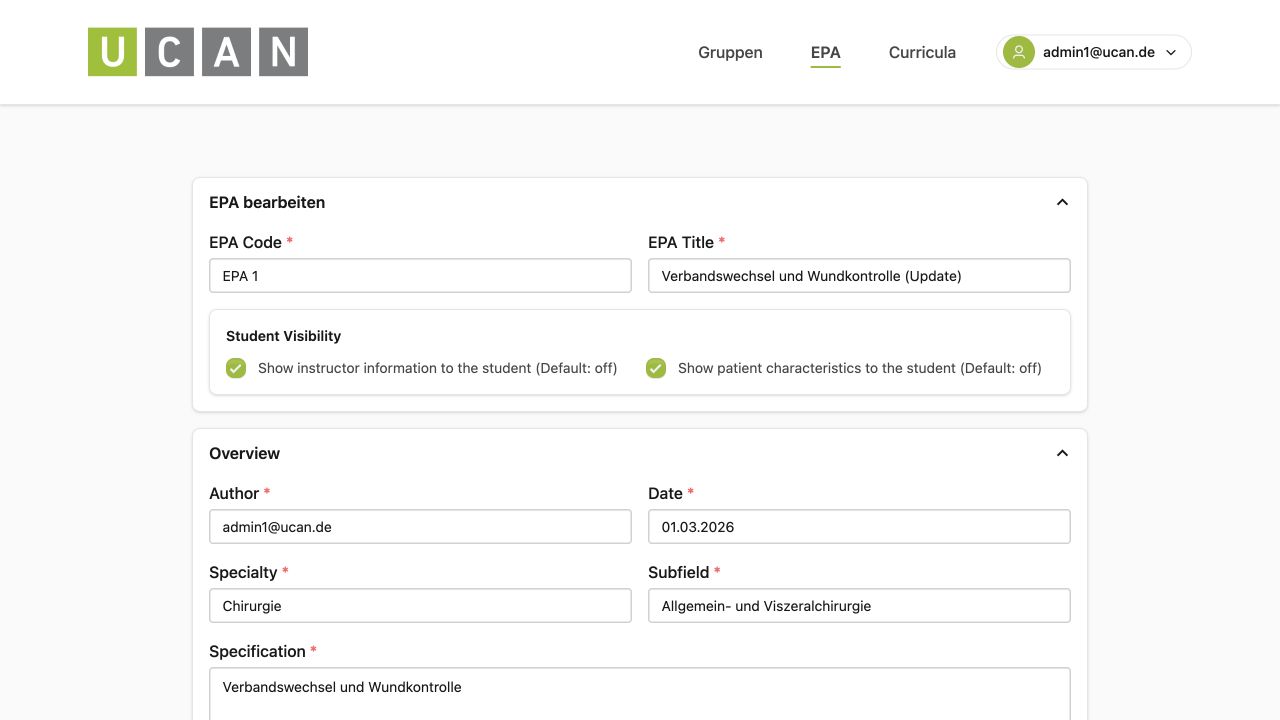
The following views provide an example of the UCAN TRUST user interface and its core features. They show how EPA-based learning and assessment processes can be represented digitally, documented and made useful for feedback, monitoring and further development.
Inside the platform
From structured data entry and EPA management to roles and access rights, UCAN TRUST brings essential workflows together in one clear interface.
Assessment form
EPA forms bring together core data, context, visibility and assessment criteria. The clear structure supports consistent data entry and keeps even extensive content easy to edit.
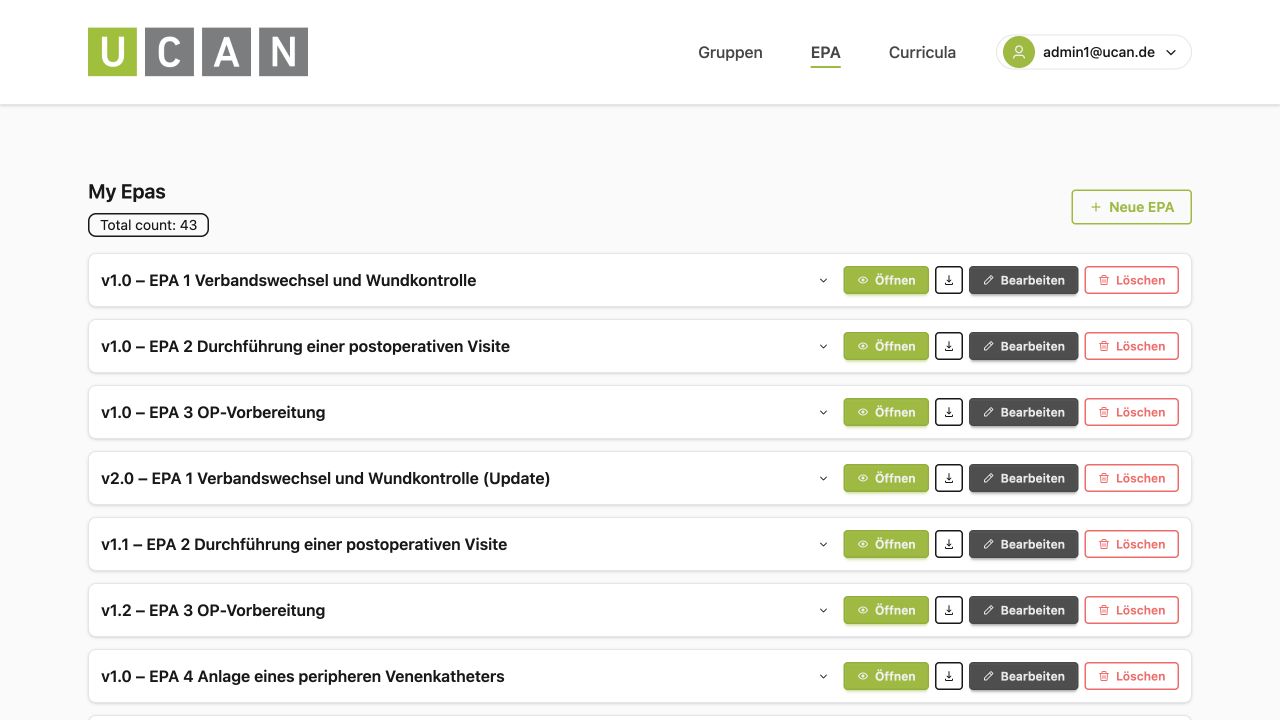
EPA overview
All professional activities and their versions remain easy to find. Open, edit or export – the most important actions are available directly on each EPA.
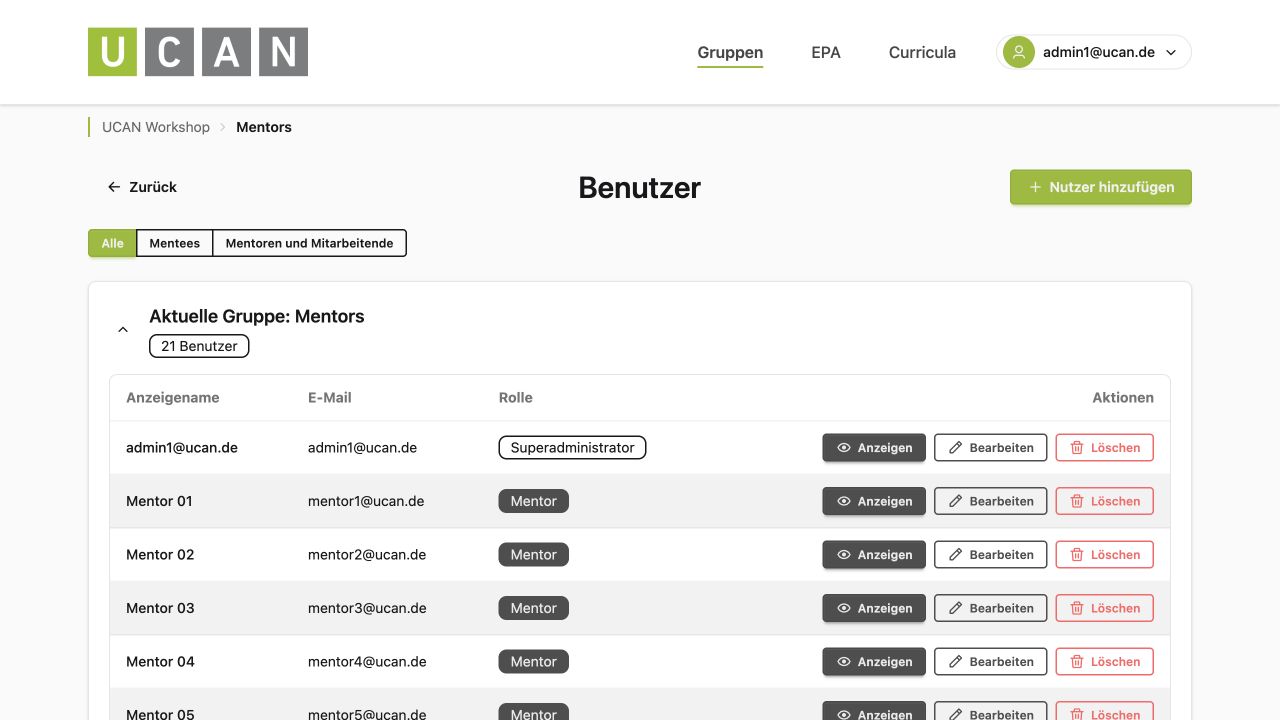
User management
Users are managed within their groups. Roles, memberships and access rights remain transparent and can reflect the organisation’s structure.
Would you like to get to know UCAN TRUST, explore its use in your institution or learn more about EPA-based workplace learning?
Get in touch with us. We will be happy to tell you more about the concept, possible applications, technical requirements and next steps.
Institut für Kommunikations- und Prüfungsforschung gGmbH Website: https://cares.institute Email: epa@cares.institute Contact us